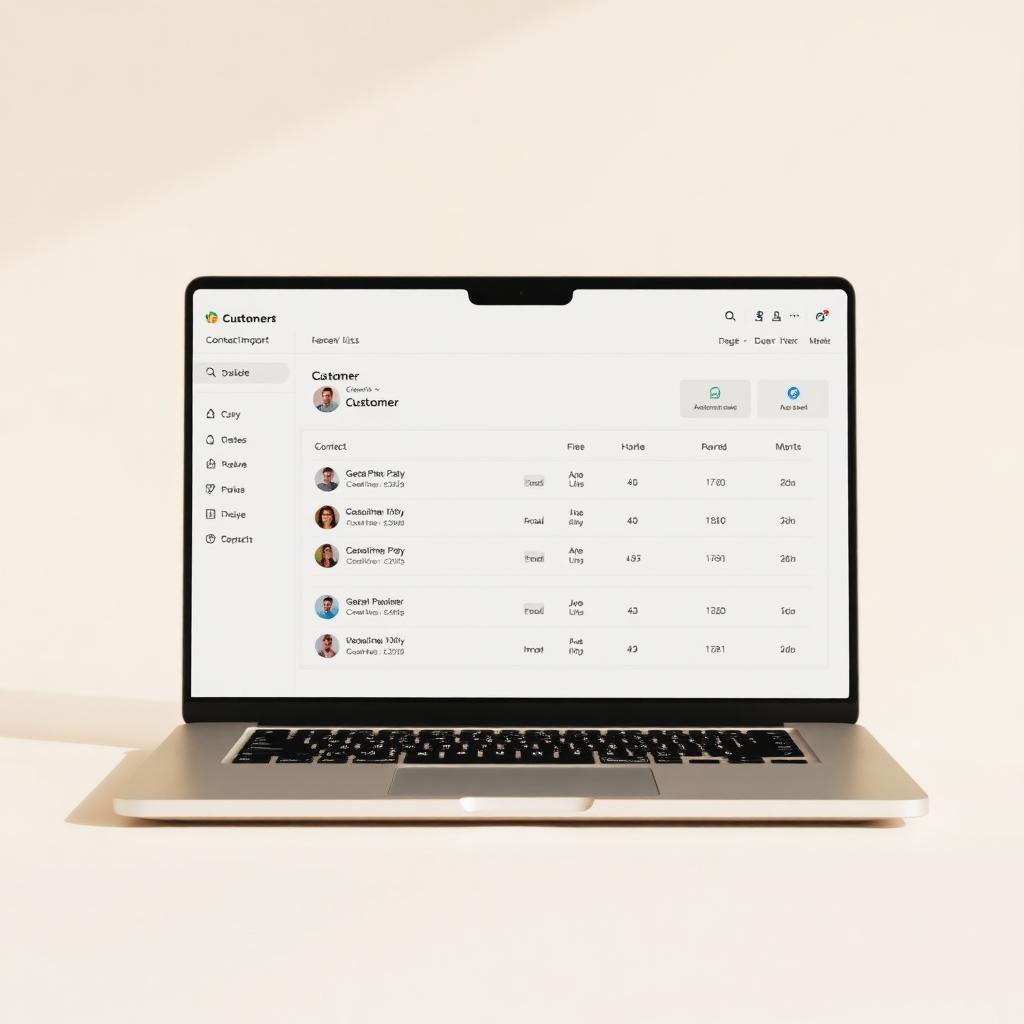
Team Task Management for Small Businesses: Assign, Track and See It on a Calendar
Give tasks to your staff, see what is on time or overdue, and plan the week on a monthly or daily calendar, without adding another app for your team.

Most small teams manage work in WhatsApp groups, so tasks get buried under photos and good-morning messages. CigyID now gives company admins a Tasks area, and every person gets a calendar for their own to-dos.
Assign tasks to the people who already have a CigyID
Company admins, and team members whose role allows it, can assign a task to anyone holding the company's tags or on the team, including several people at once. Each person gets their own copy, so you can see who finished and who did not.
People you assign tasks to can mark them done or move the date. They cannot edit the task details, reassign the task or delete it, so the original request stays intact.
See what is happening at a glance
- Overview: tasks assigned, completed, on time and overdue, with the average delay.
- A daily chart of tasks due against tasks finished.
- Per-person performance, filtered by person and period.
- A task list with search, status filters, editing and reassignment.
- A company calendar in month and day views, where you can also create tasks.
On time is measured against the date first agreed, so moving a task's date does not quietly turn a late task into an on-time one.
A calendar for everyone's own day
Every user now has a Calendar under To-Do, with monthly and daily views, weeks starting on Monday, an hourly timeline for the selected day, quick add, mark done and move to tomorrow. Tasks assigned by your company appear here alongside your own.
Give each person exactly the access they need
Company roles can now be built item by item. A role might include only Invoicing and Asset reports, or only Tasks, and that person sees only those parts of the company admin page and business suite.
“If a task matters, it deserves a date, an owner and a place outside the group chat.”