
A Customer List That Builds Itself: Auto-Deduped CRM Inside Issuer Admin
Every lead, shareback and walk-in now lands in a single customer list — automatically deduplicated by phone or email. Import contacts from CSV, vCard (.vcf) or add them manually.
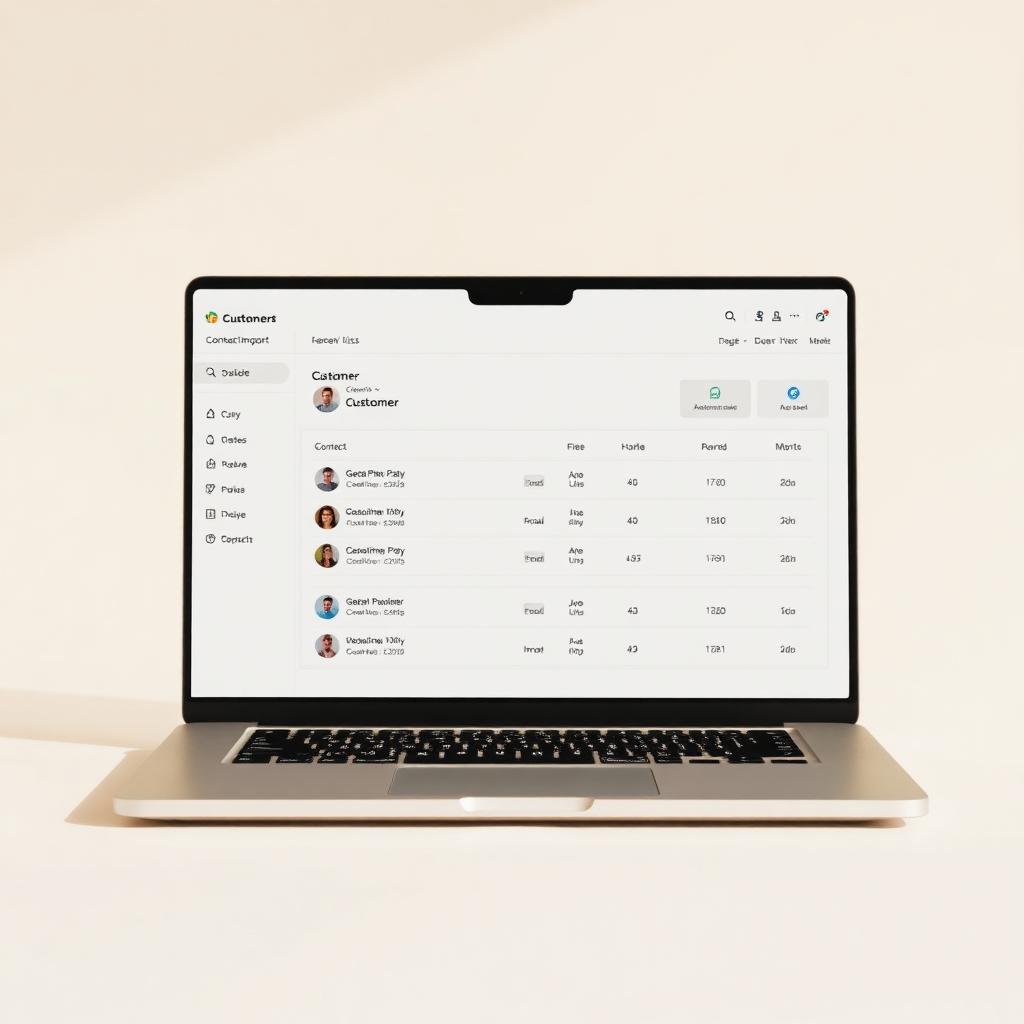
Most small businesses keep three half-broken contact lists: one in Gmail, one in their phone, one stuck in a salesperson's head. The new Customers tab inside CigyID's Issuer Admin replaces all three — and you don't have to lift a finger to start it.
Built from the leads you already have
Every time a visitor shares back their details, fills a complaint form, or is captured as a lead by your team, CigyID automatically creates or updates a customer record. Deduplication runs server-side on the normalised phone number OR email — so the same person tapping two different tags never becomes two different rows.
Three ways to add customers manually
- Manual entry — quick add dialog with name, phone, email, company and notes.
- CSV import — drop a spreadsheet (name, phone, email, company); preview before commit.
- vCard import — upload a .vcf exported from your phone's Contacts app. Multi-contact files work.
List, search, filter, export
The Customers tab gives Org Admins a clean searchable table with source filtering (Lead · Shareback · Manual · Import), edit-in-place dialogs, and a one-click CSV export of the filtered view. Nothing fancy. Nothing slow. Just the list you wish you'd built three years ago.
Who sees it
Only Org Admins of the issuer (and System Admins) can view or edit the customer list — keeping personal data scoped to the people who actually own the relationship. Everything else lives inside the same RLS-protected, INR-billed Lovable Cloud backend that powers the rest of CigyID.
Stop maintaining the spreadsheet. Let your tags maintain it for you.