
Show and sell
Use a visual TinyCart for multiple products and quantities, then move the itemised order into WhatsApp.
CigyID for small business
Present your business, collect enquiries, sell through WhatsApp and connect the daily work behind it—from customer follow-up to people and accounts.
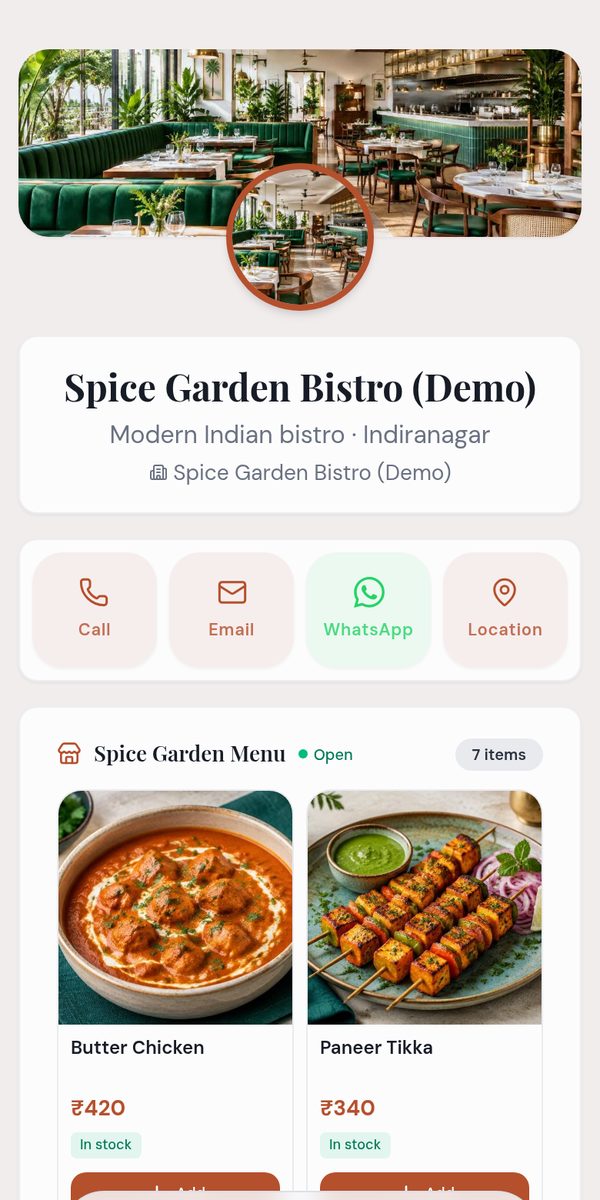
Use a visual TinyCart for multiple products and quantities, then move the itemised order into WhatsApp.
Customize shareback questions, keep scanned contacts and assign leads to issuer members with follow-ups in their To-Do list.
Create walk-in invoices, track inventory and purchasing, and connect employee, payroll and accounting workflows as your operation grows.
What you can do
Show products, services, location, hours, social channels and trusted documents in one destination.
Sell by piece, weight, volume, length or ready packs. Each item shows its smallest order price, and category buttons help buyers jump to the right shelf.
Show how far you deliver. Buyers can check their distance; farther buyers see a warning but can still order.
Ask for a local search listing with your services, areas and common questions, readable by Google and AI assistants and live only after you approve.
Assign tasks to staff, see on-time and overdue work per person, and plan on a company calendar.
Turn profile interactions into records your team can follow up, deduplicate and review.
Admins can turn approved photos, links, documents and notes into a reviewable profile draft.
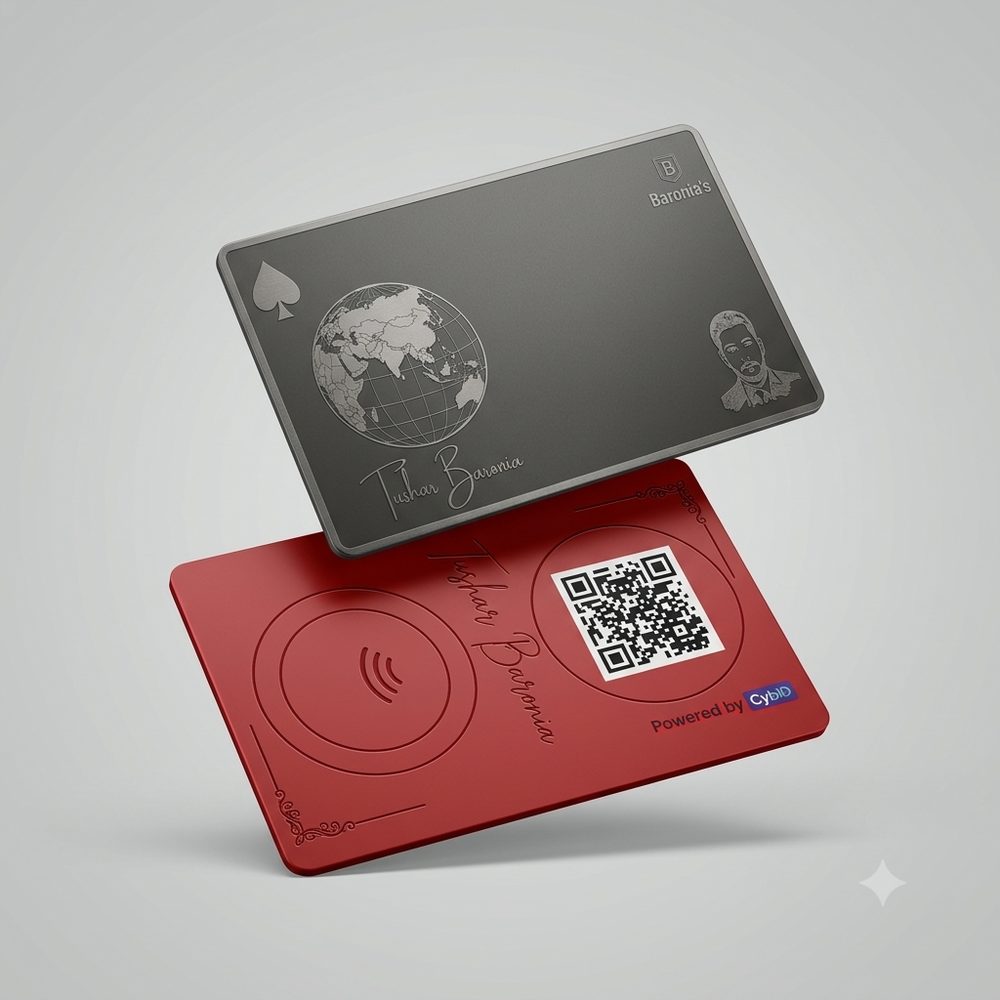
Design both sides in Card Studio after sign-in. Unfinished drafts stay in your account for 30 days; confirmed paid designs become read-only.
Create walk-in bills from transaction values, configure India GST or international tax settings, record payments and print invoices.
Track stock by location, review low-stock alerts, prepare purchase orders and monitor reseller stock and restocking. Vendor emails require configured automation.
Track resignation or termination checklists and issue acceptance, relieving and experience letters alongside employee records.
Give each team member exactly the parts they need, such as Invoicing only or Asset reports only, and add sales orders, payroll, accounting and assets when you are ready.
What's new
Set 250 g steps, litres, metres or ready packs. Every item shows its smallest order price.
Show how far you deliver. Buyers check their distance and still order if they're farther away.
Services, areas served and common questions that Google and AI assistants can read, live only after you approve.
Assign tasks to staff, track on-time and overdue work, and plan your own day in month or day view.
Give a team member only Invoicing, Asset reports or Tasks, and they see just those.
Start Shop, Links, Showcase or questions closed, and drag tiles one per line to reorder.
See it in practice
Fictional examples built on live CigyID profiles. Professions shown are illustrative, not limiting.

Artisan Baker
Kochi
A delicious digital counter for the day’s bakes, custom orders, timings and easy payments.

Neighbourhood Store Owner
Surat
A smart storefront for products, repeat customers, feedback and everyday WhatsApp commerce.

Home Kitchen Founder
Lucknow
A warm, trustworthy home-food storefront for menus, advance orders and pickup information.

Creative Studio Founder
Goa
A tactile studio profile for commissioned work, prints, credentials and creative collaborations.
Live business demos
Explore a creative studio and a restaurant with shared offerings, company documents and individual staff profiles. All names, people and business details are fictional.

Marketing studio · Mumbai
Meet the team, explore creative services and browse sample company documents in one live business profile.
10-person team
Brand strategy · Social media · Web design
Explore live business
Restaurant · Bengaluru
Explore the menu, meet the servers and see how a shared restaurant profile brings offerings and guest enquiries together.
10-server team
Menu · WhatsApp orders · Team profiles
Explore live businessPublic demos show the customer-facing experience. Invoicing, inventory, procurement and employee tools remain in the signed-in business workspace.
Start with the profile, then add smart tags and business tools that fit how you already work.