One Profile, Three Ways to Share: NFC, QR and a Direct Link
Use a tap when people are close, a QR code when a camera is easier, or a direct link when the conversation starts online.
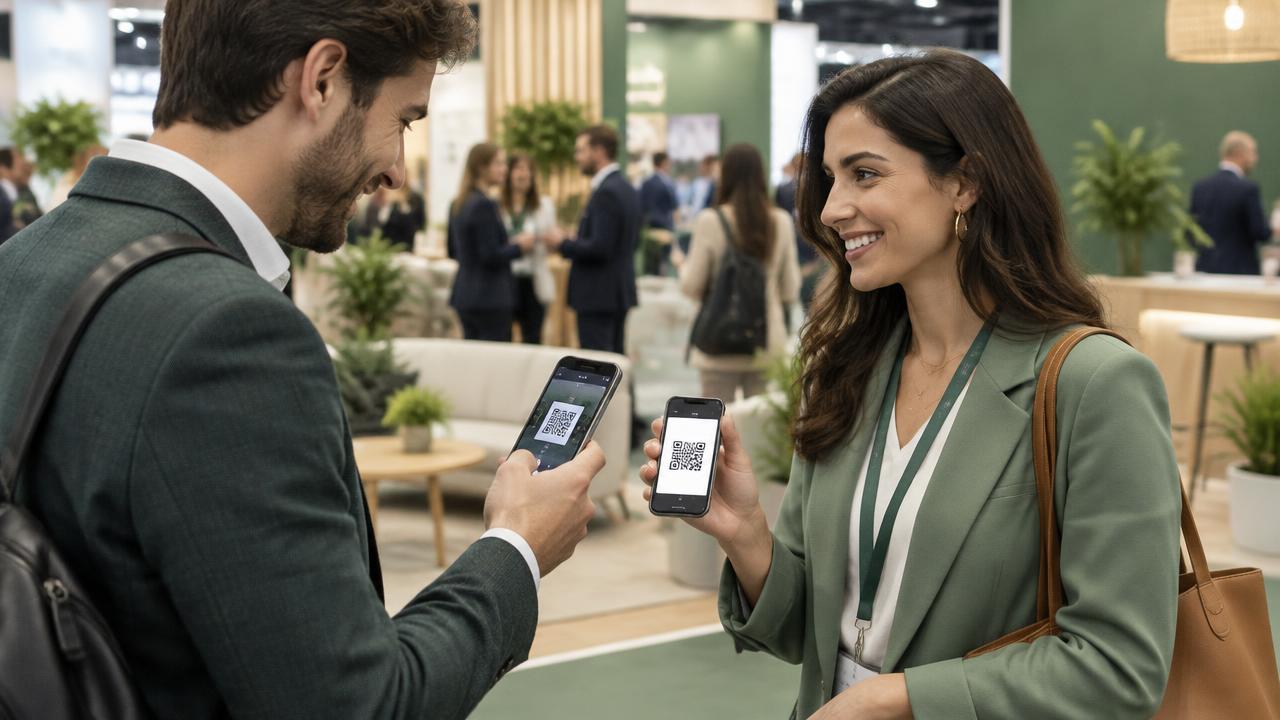
No single sharing method fits every introduction. NFC is natural across a table, QR works well across a booth or screen, and a direct link belongs in messages and email. Each method can lead to the same current CigyID profile.
Use the method that fits the moment
- Tap a compatible phone with the NFC tag or card.
- Open the profile's QR code for another person to scan.
- Share the direct profile link in a message or online post.
- Let the visitor view the profile without installing an app.
Keep the event attached to the contact
Before an event, the profile owner can enter the event name. When a visitor downloads the contact, the event appears after the person's name. That context makes a busy post-event address book easier to understand.
A QR code is also a useful fallback
NFC depends on device support and where the reader sits on the phone. A visible QR code gives the owner another immediate option without sending the visitor somewhere different or maintaining a second profile.
The destination stays current
Because the tag, QR code and link resolve to the live profile, the owner can update details without replacing the sharing method already in circulation.