From Blank Card to Print-Ready Order: Inside CigyID Card Studio
Choose a card type, design both sides with flexible artwork tools, and preserve the paid version alongside the order for production.
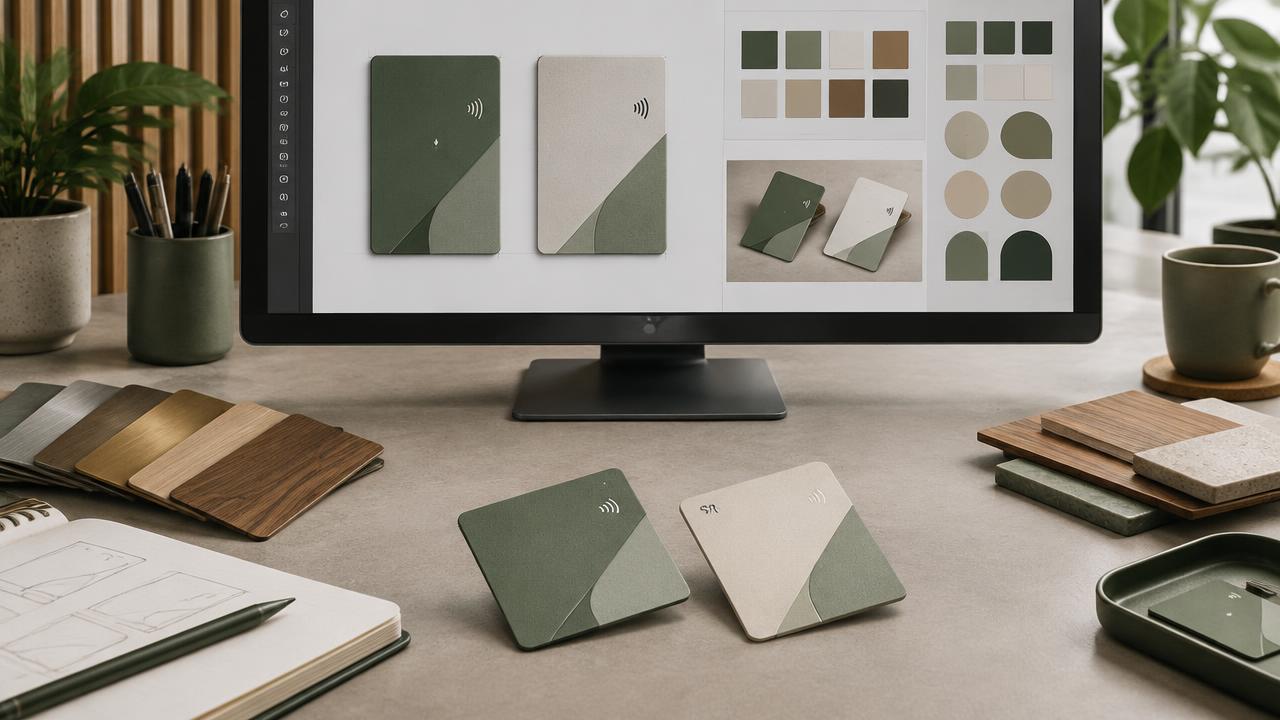
A physical card is both a working NFC product and a piece of brand design. Card Studio connects those two jobs so the artwork a customer approves can travel with the order that a production team fulfils.
Start from the right production surface
System administrators manage the available card types, including front and back blank artwork and the corresponding product link used for payment. The customer selects a supported type before designing, so the preview is built against the intended card.
Build both sides visually
- Choose printing or laser engraving where the selected card supports it.
- Upload multiple vector or image files.
- Add, move, resize and recolor shapes and clip art.
- Preview the front and back while editing.
- Save the working draft to the customer's private account area.
Payment creates a production record
Checkout is handled by the connected Baronias store. When a paid order is confirmed, the design is associated with the buyer and order information. The paid version is locked against editing or deletion, preserving the artwork that production received.
Why locking matters
A design that changes after payment creates ambiguity for the buyer and the printer. Keeping drafts editable before purchase and the paid version immutable afterwards gives both sides a clear reference.