Your Profile Can Show More Than Your Downloaded Contact—and That Is Useful
Choose which details enter a saved contact, keep PIN-protected fields out, and add event context without changing the person's identity.
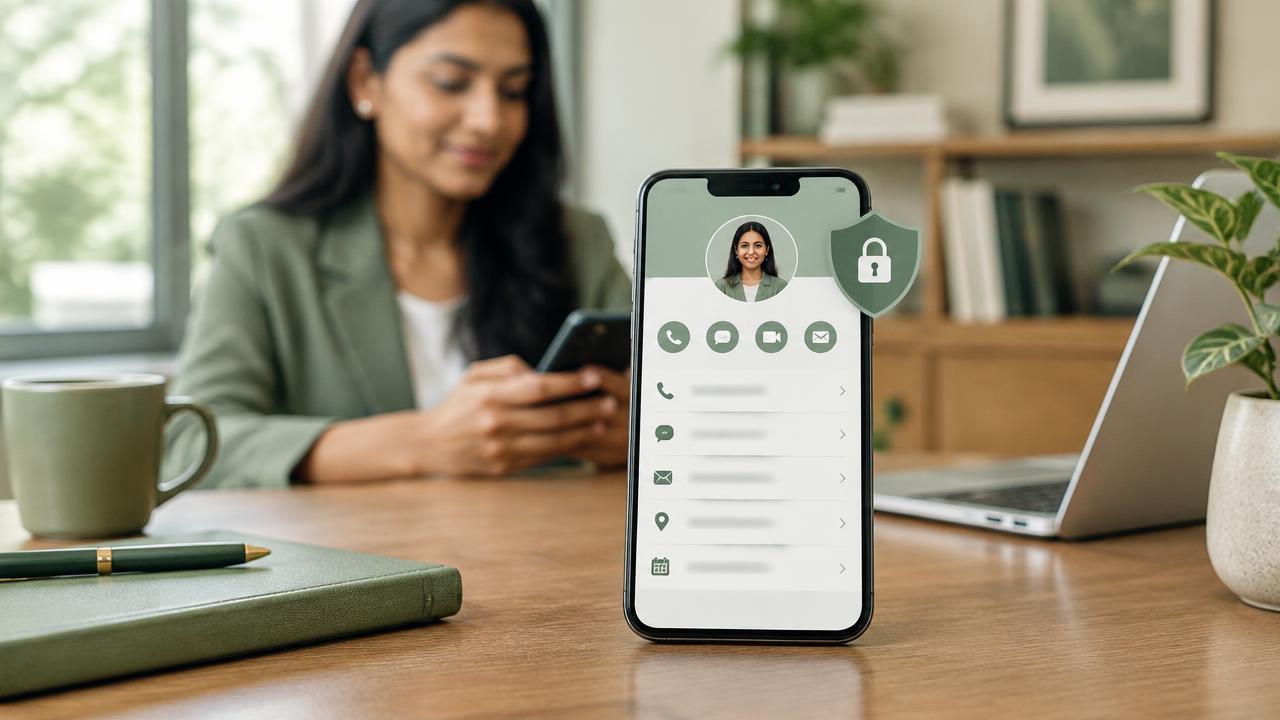
A public profile and a saved phone contact serve different purposes. The profile can tell a fuller story; the downloaded contact should contain only the details that will be useful in someone's address book.
A separate choice for contact downloads
Profile owners can choose the fields included when a visitor downloads their contact. This contact-specific selection can differ from which sections are displayed on the profile, making it possible to keep the public presentation rich while the saved contact stays concise.
Privacy rules still apply
- PIN-protected fields are excluded from contact downloads.
- A custom contact-field selection overrides ordinary section visibility for the downloaded contact.
- If custom selection is off, the usual displayed-field rules continue to apply.
- The owner can revise the selection as their needs change.
Add context for an event
An owner can add an event name to the profile. The downloaded contact then appends that context to the person's name—for example, “Tushar Baronia at Dubai Expo”—so the visitor remembers where the introduction happened.
Small choices improve follow-up
A contact with the right phone, email, company, links and meeting context is more useful than an address-book entry filled with every possible field. The owner decides what belongs.