
Send Every Tap Straight to Salesforce or Zoho — Without Leaving CigyID
Issuer admins can now replace the built-in Shareback flow with an embedded Salesforce or Zoho Web-to-Lead form. Leads land in your CRM, and visitors still walk away with your contact card.
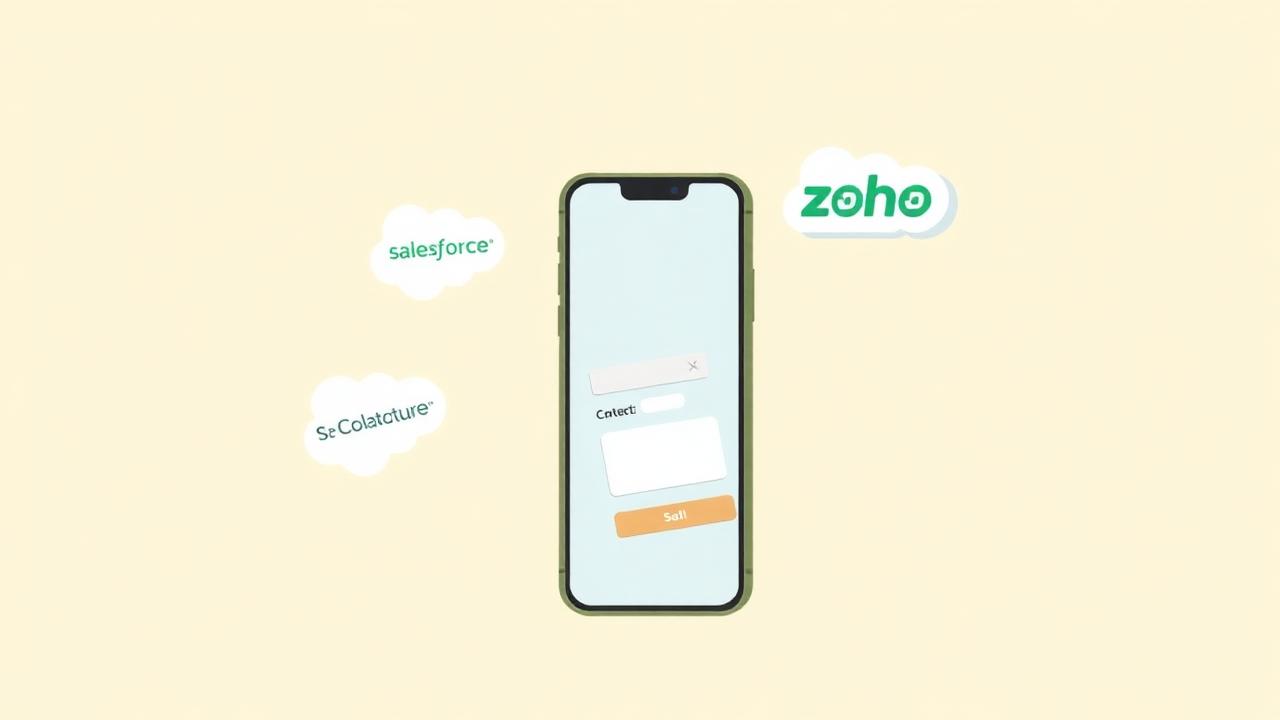
If your sales team already lives inside Salesforce or Zoho, the last thing you want is a separate inbox of CSV exports to chase. CigyID's new CRM Lead Capture lets every issuer admin plug their own Web-to-Lead form straight into the profile experience — on every tag, in one switch.
How it works
- Open Issuer Admin → Settings → CRM Lead Capture.
- Pick Salesforce or Zoho and paste the official embed HTML the CRM gives you.
- Save. From that moment on, every tag under your issuer shows the embedded form instead of the standard Shareback dialog.
Beautiful by default, native when it matters
We render your form unchanged inside a sandboxed iframe sized to fit the popup — no hidden fields stripped, no styles overridden. Salesforce's redirect URL loads inside the same frame, so your ‘thanks for submitting’ page stays in context.
Contact still downloads automatically
The instant the form submits and your CRM's redirect fires, the popup shows ‘Your details are captured, Contact Downloading. Please don't forget to save’ — and the vCard download is triggered automatically. Leads in the CRM, contact in the visitor's phone. Both jobs done in one tap.
Why issuers love it
- Zero double-entry — leads land where your pipeline already lives.
- Custom fields, hidden routing fields, and lead-source tracking all work as configured in your CRM.
- Switch back to native Shareback any time — no data migration needed.
One toggle. Every tap, in your CRM.