
Dark Mode, Everywhere: A Calmer CigyID for Late-Night Networkers
We've rolled out a true app-wide dark mode — dashboard, editor, admin, and a separate dark theme your visitors can land into on the public profile.
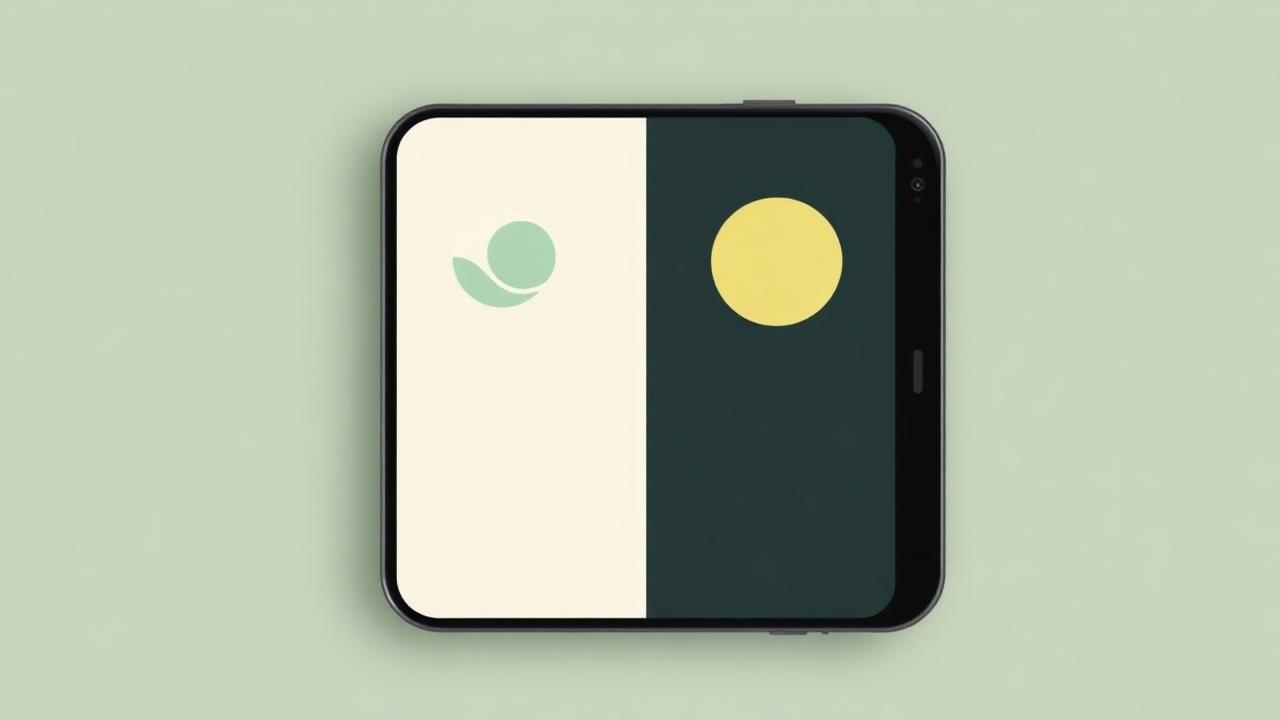
The most-requested feature of the last few months finally ships: a real, persistent dark mode that covers every screen of the CigyID app — not just the public profile.
Toggle once, applied everywhere
A tidy moon/sun toggle now lives at the top of your Dashboard and inside the Account menu. Flip it once and the dashboard, editor, issuer admin, analytics, and system management panels all switch instantly — and remember your choice across sessions and devices via your account.
Two themes, two purposes
- App dark mode — your private workspace theme, scoped to you.
- Profile dark mode — a separate per-profile setting (in the editor's Theme section) that controls what visitors see on your public page.
Designed, not inverted
Every surface, glass card, badge, chart and FAB has been hand-tuned for the dark palette — same sage-green accent, deeper warm-neutral backgrounds, and accessible contrast on every text size. No mid-bright greys, no harsh white edges.
Open the dashboard tonight and tap the moon. Your eyes will thank you.